Budgets & Budget vs Actuals (BvA)
The Budgets module allows the school to plan income and expenditure for each term or year, and then compare planned figures against actual spend (Budget vs Actuals).
Creating a Budget
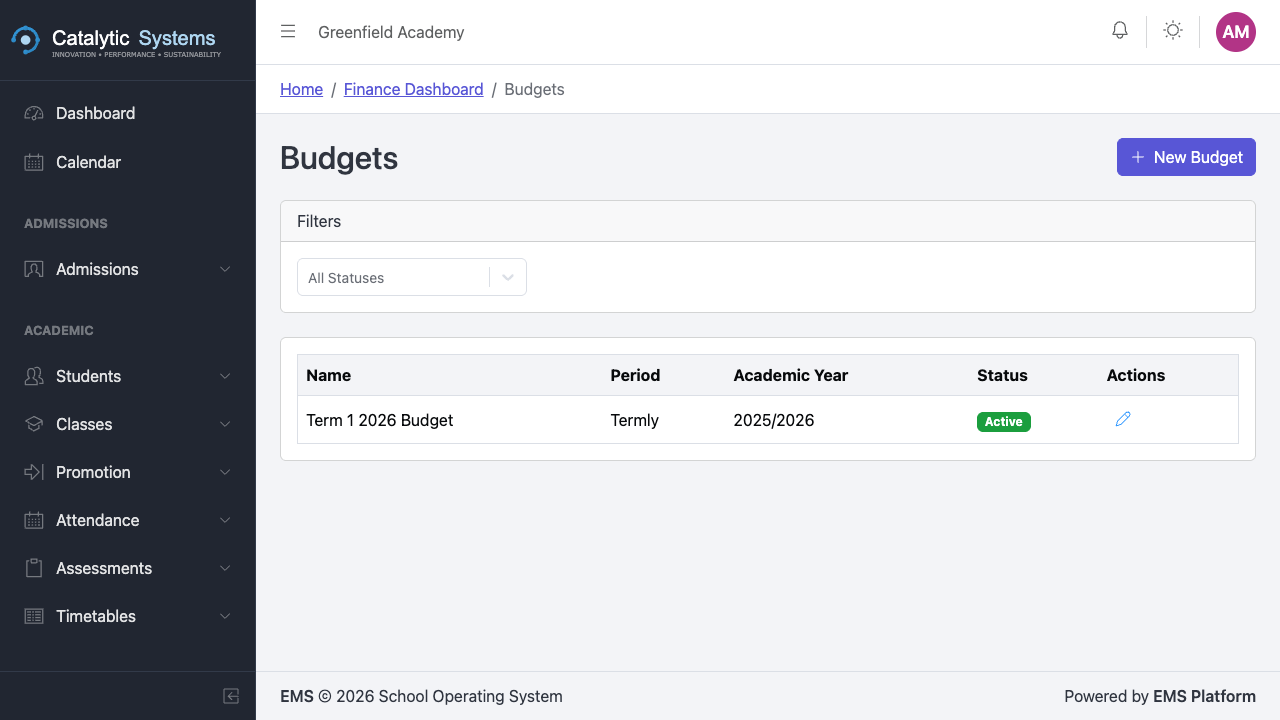
- Go to Finance → Budgets.
- Click New Budget.
- Select the Term or Year the budget covers.
- Add budget lines:
| Field | Description |
|---|---|
| Category | Income or Expenditure |
| Item | Description of the budget line |
| Budgeted Amount | Planned amount |
- Add as many lines as needed.
- Click Save.
Budget vs Actuals (BvA)
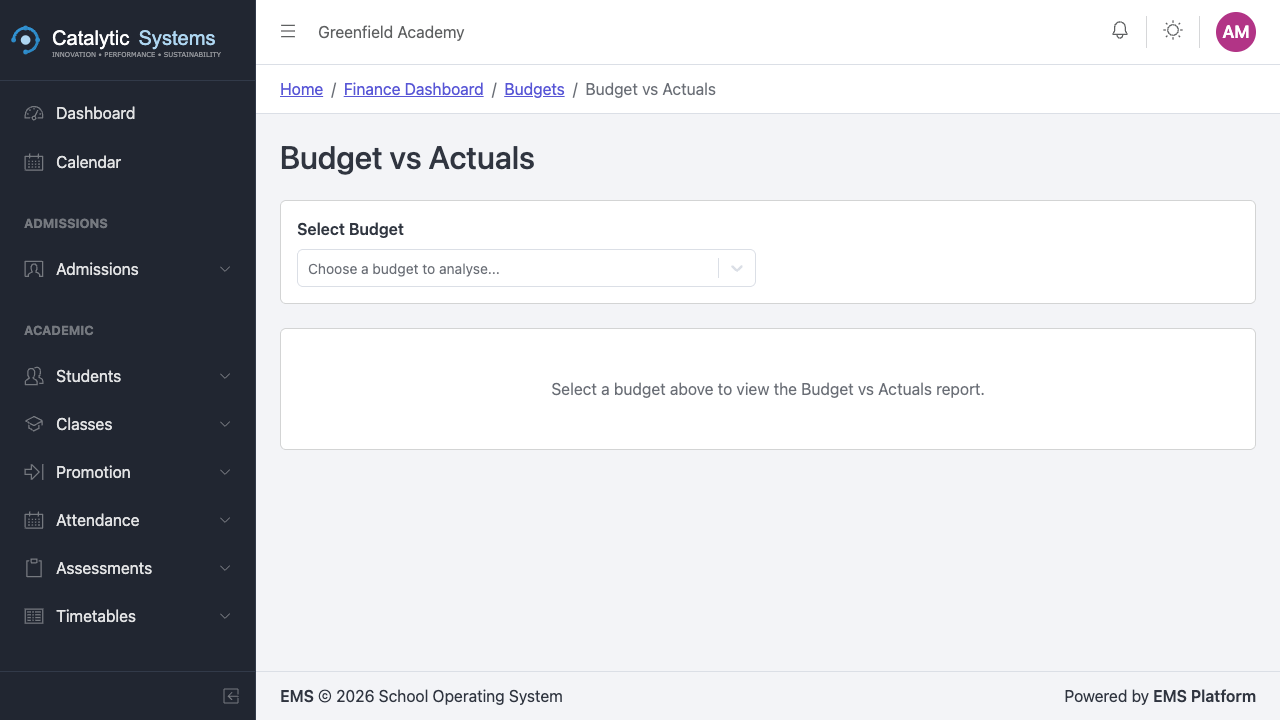
The BvA report compares your budget against actual income and expenditure recorded in EMS.
- Go to Finance → BvA.
- Select the budget and date range.
- The report shows:
- Budgeted amount per line
- Actual amount recorded (from invoices, payments, expenses)
- Variance (over/under budget)
- Percentage utilisation


This report is essential for term-end reviews and board reporting.