Classes
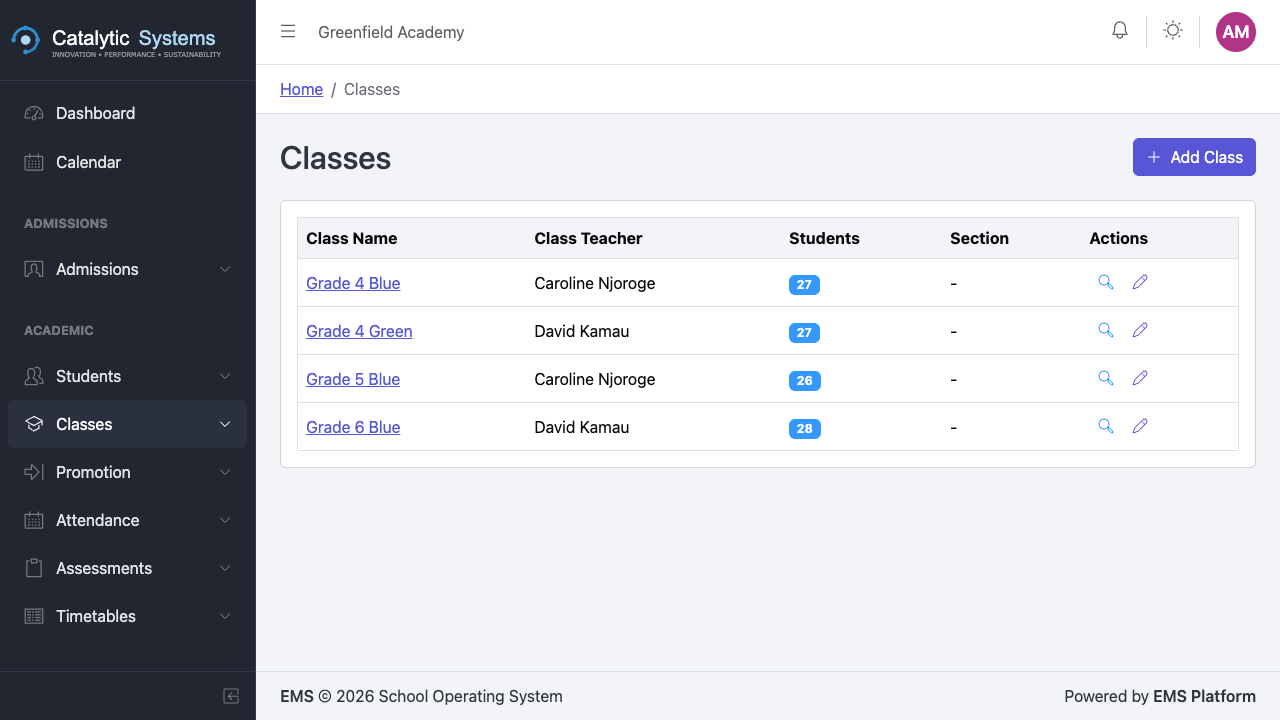
Classes (also called streams) are the organisational units that group students for academic purposes. Each class can be assigned a class teacher, linked to a timetable, and have subjects enrolled.
Viewing Classes
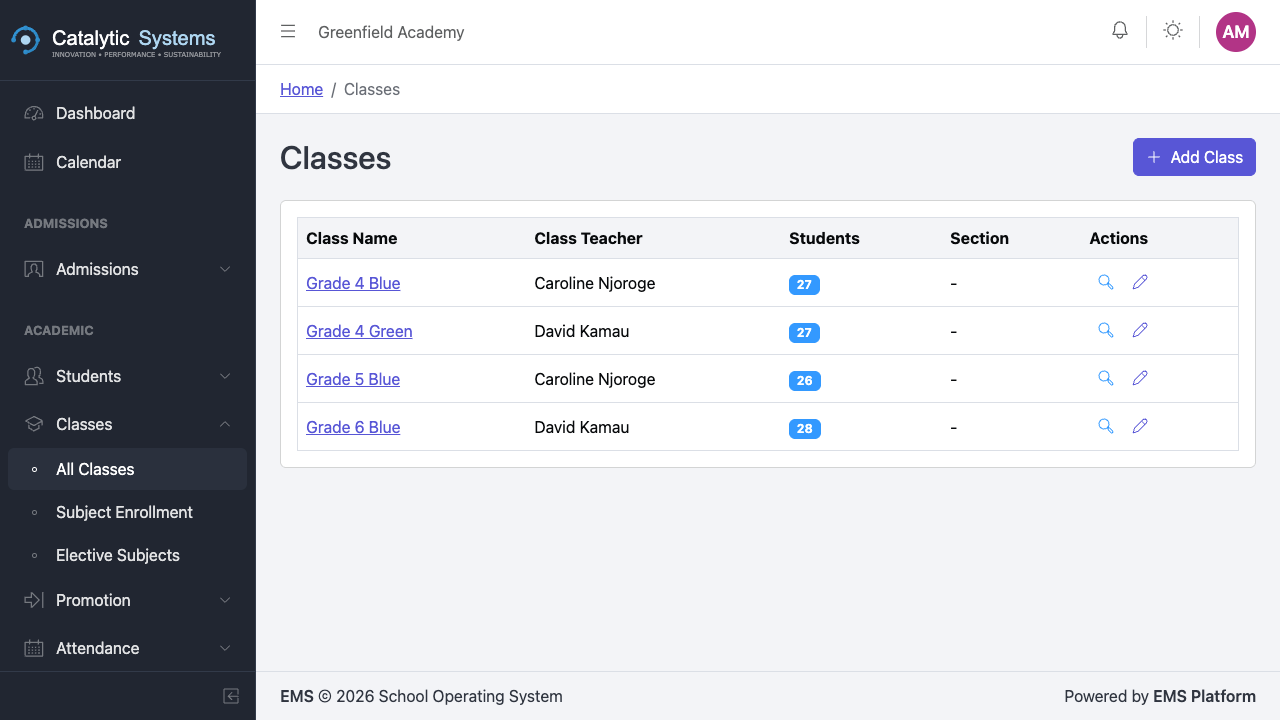
Go to Academic → Classes to see all classes for the current term.
Creating a Class
- Click New Class.
- Fill in the details:
| Field | Description |
|---|---|
| Class Name | e.g. "Grade 4 Blue", "Form 2A" |
| Level / Grade | The academic level |
| Class Teacher | Assign a teacher from the staff list |
| Capacity | Maximum number of students |
| Term | The active term this class belongs to |
- Click Save.
Managing Class Subjects
After creating a class, enrol the subjects it will study:
- Open the class detail page.
- Click Subjects tab.
- Click Enrol Subject and select from your school's subject list.
- Assign a subject teacher for each subject.
Class Detail View
The class detail page shows:
- Enrolled students list
- Subject roster with assigned teachers
- Attendance summary for the class
- Timetable for the class